How does the Qualification Agent work?
 April 23, 2026
 5 min read
The Qualification Agent automatically reviews every prospect in your suggestions feed and recommends whether to approve or deny — based on rules you define in plain text.
Tags you'll see on each prospect card:
- ✅ Agent Approved — recommends approving
- ❌ Agent Denied — recommends denying
- ⚪ No recommendation — no rules set yet
💡 Hover over the tag to see exactly why each decision was made.
To get started:
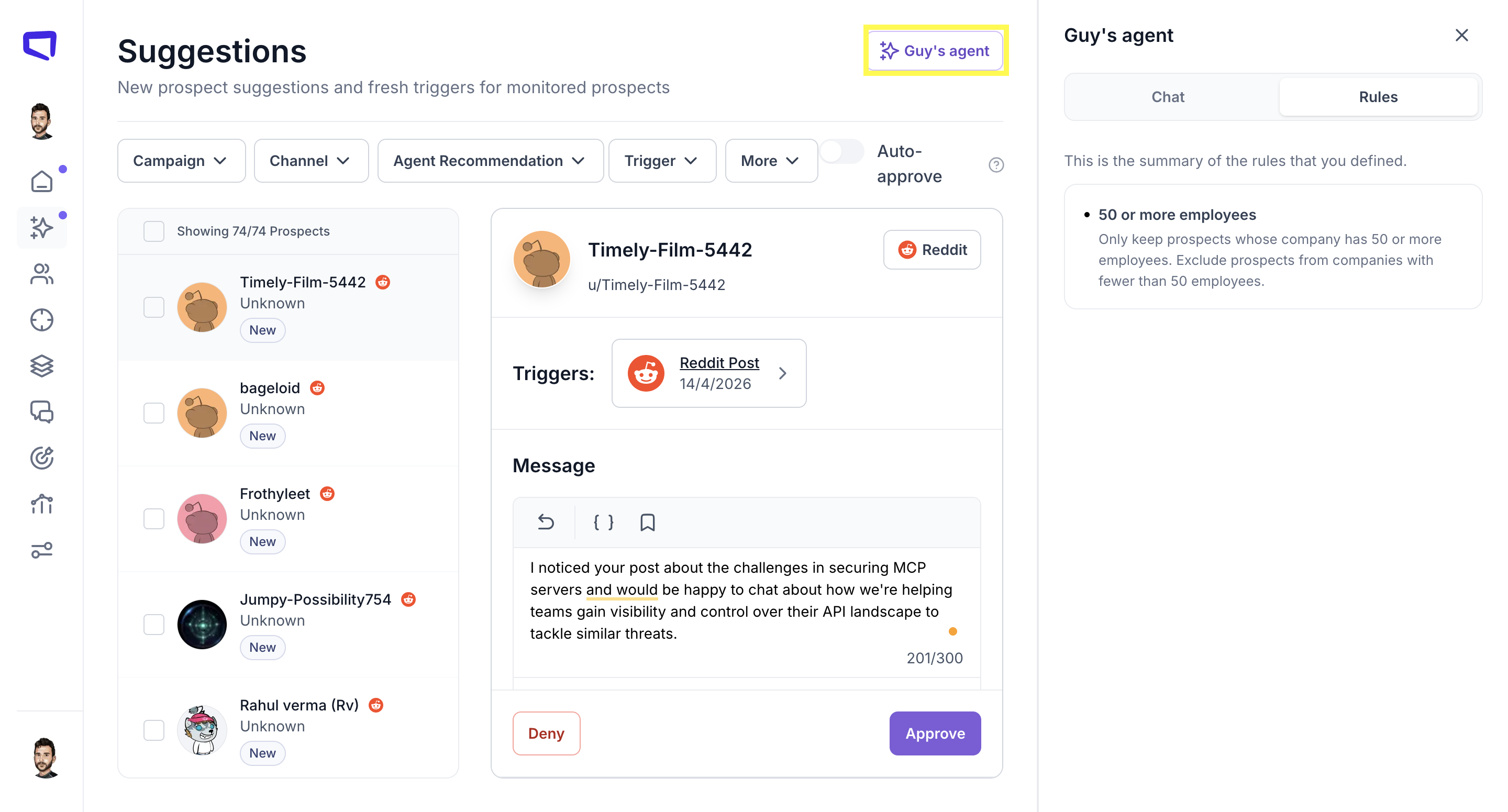
- Go to your Suggestions page
- Click "Agent" in the top right
- Write your rules in plain text — as specific or broad as you like
- Click Approve
🔄 Type recalc in the agent chat anytime to re-evaluate all prospects instantly.