How to access and modify campaign filters (MA)
 April 7, 2026
 5 min read
Steps:
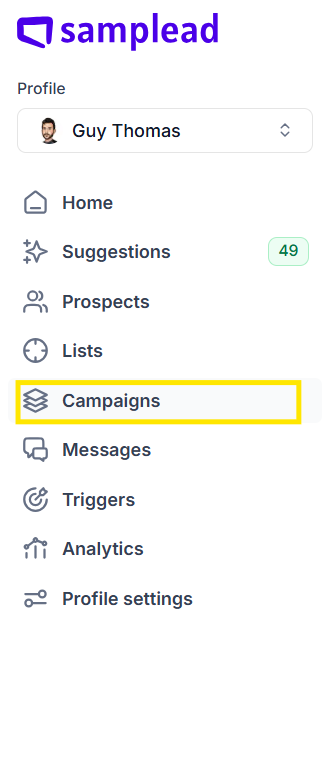
1. From the left side of the Dashboard, open the Campaigns tab.
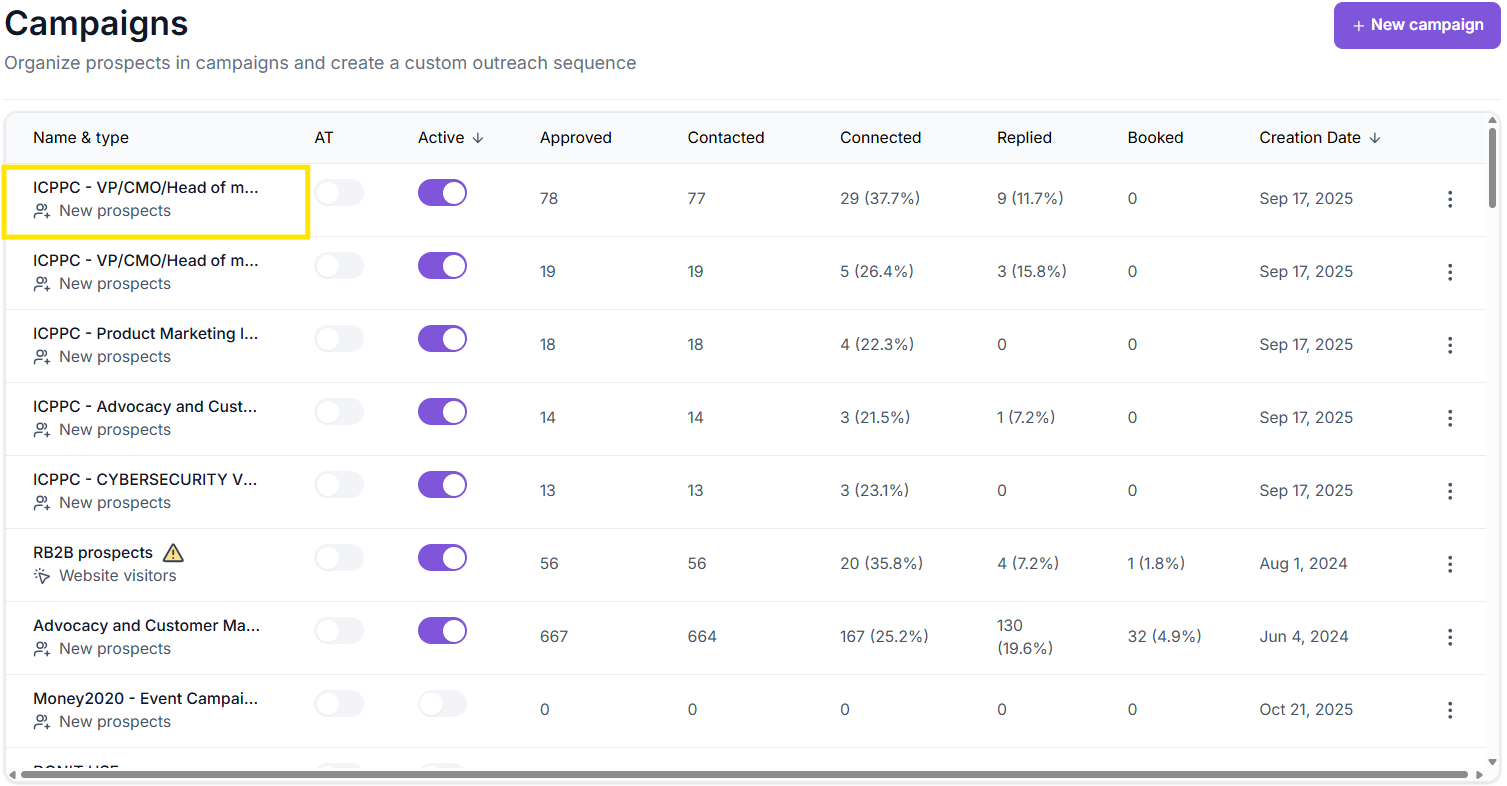
2. Select the campaign you want to configure
3. Click ICP Definition

4. Adjust any company-level or prospect-level filters as needed.
5. Select Apply to save changes
Changes take effect immediately — Samplead will start searching for prospects based on your updated filters.
Related Articles